
CapCut
CapCut for Windows is ByteDance's desktop video editor, with a timeline, templates and export presets for short and long videos.
533.8 MB

1.9 · FreeVideoConverter.us Inc · Page updated
Green Free Video Converter is a small free Windows program for converting video files between common formats for phones, players and editors.
Average 0.0 · ratings: 0
Thank you! Your rating is saved; you can change it. Could not save the rating. Please try again later. Too many ratings from your network today. Please try again tomorrow. The average appears after 5 ratings.
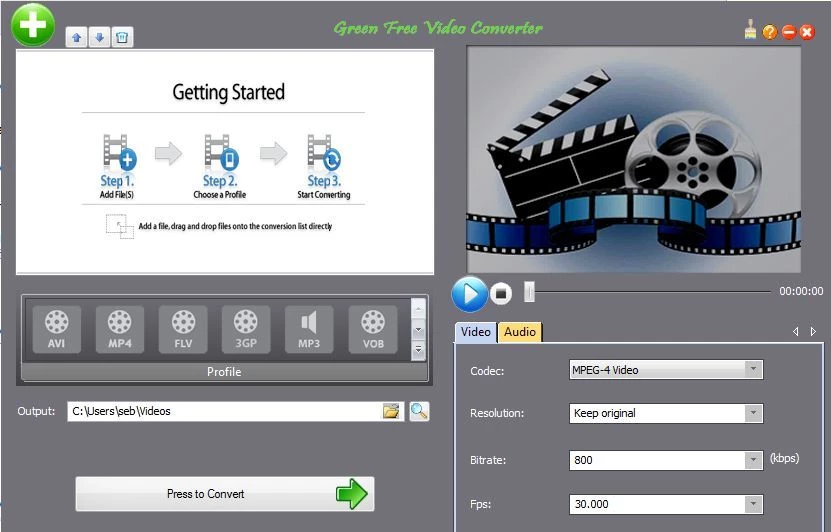
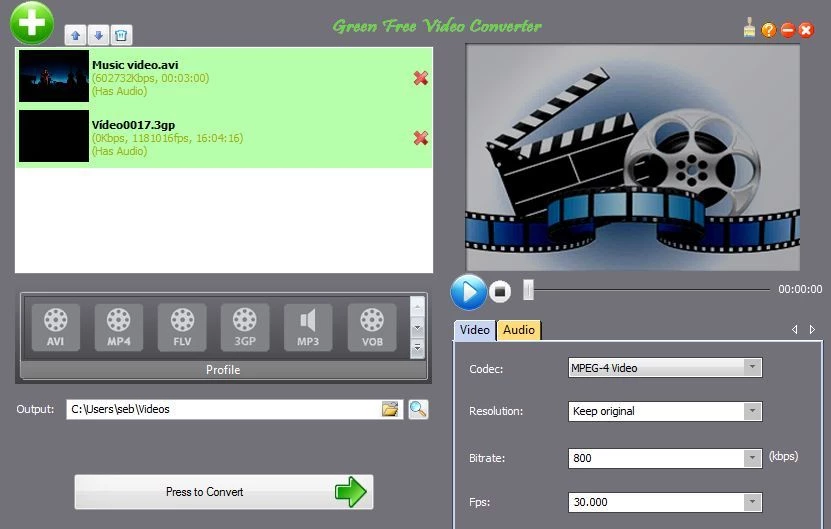
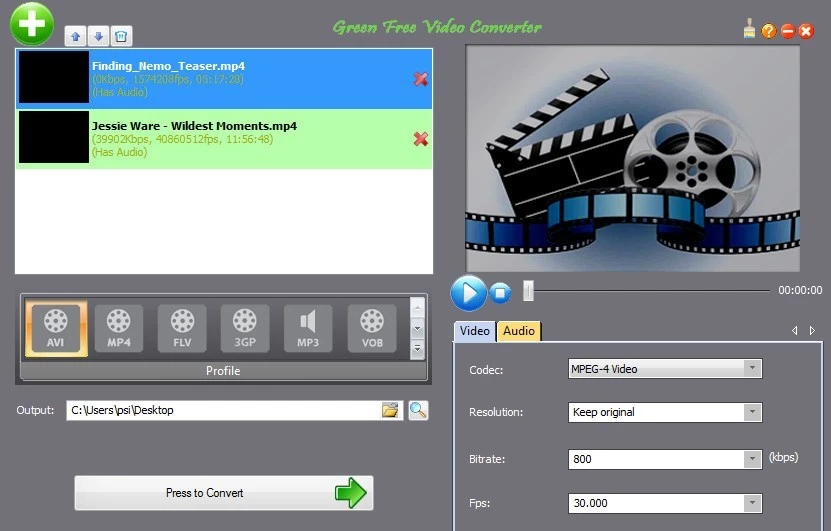
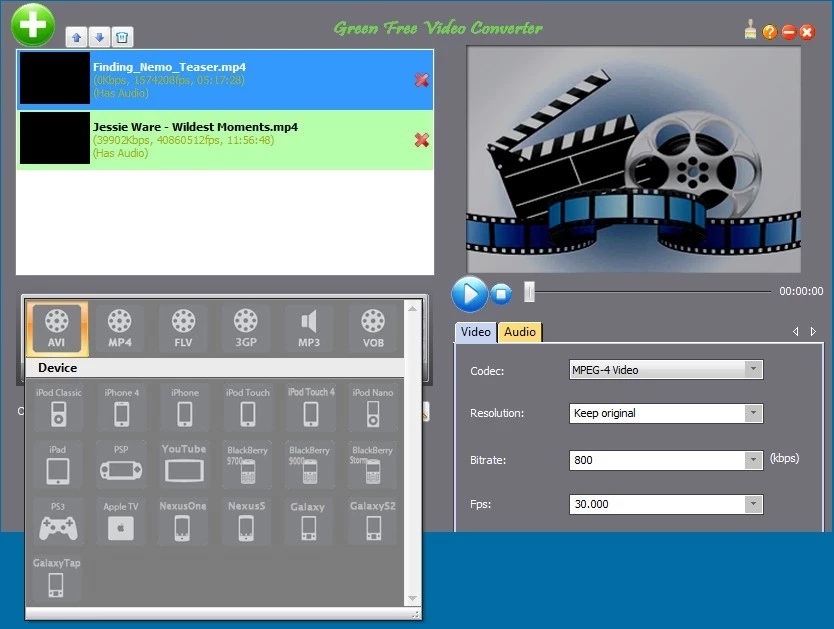
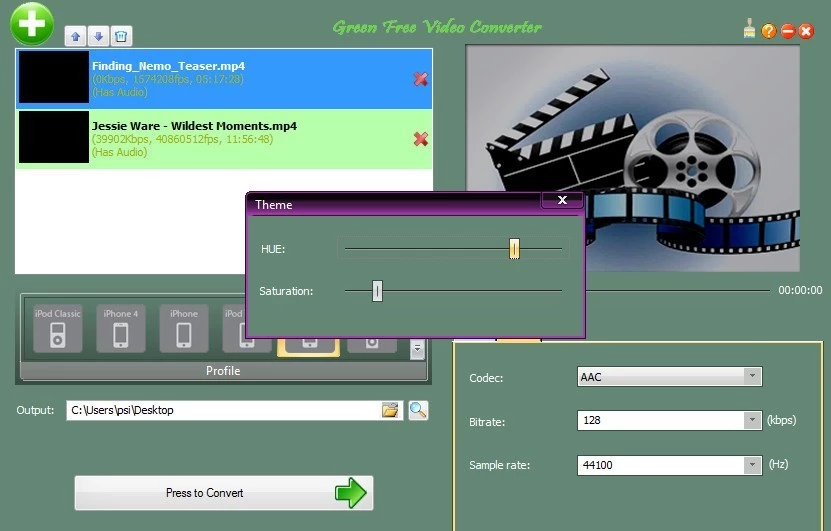
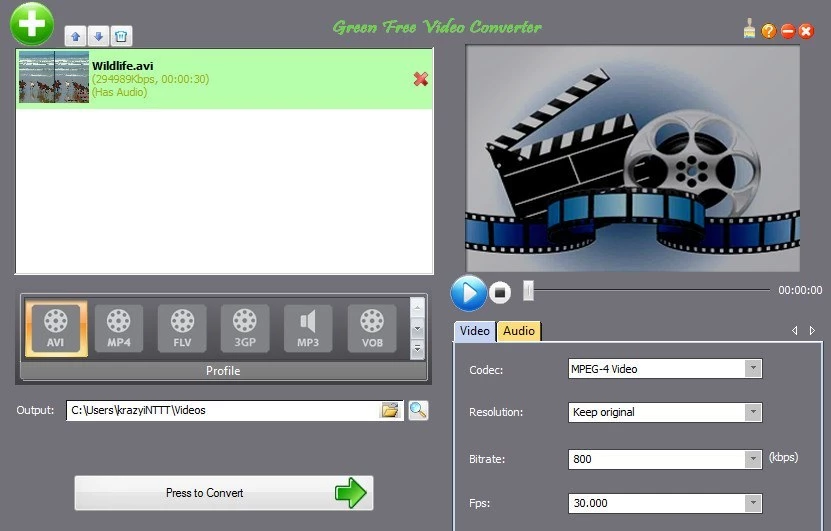
Green Free Video Converter 1.9 is a small free Windows program from FreeVideoConverter.us Inc that converts video files from one format to another. It helps when a phone, TV, editor or website does not accept the file you have. You can download Green Free Video Converter for Windows from freevideoconverter.us.
Video files come in many containers and codecs, and not every device plays every combination. An old camera may record in a format your phone cannot open, a video editor may refuse a file from a screen recorder, or an upload form may accept only certain formats. A converter reads the source file and writes a new one in a format the target understands, often with options for resolution and quality. Green Free Video Converter keeps this simple: add files, pick a target format or device preset, choose an output folder and start. Converting can also shrink large files by lowering resolution or bitrate, which helps when a video is too big to send. Because conversion re-encodes the video, some quality is always lost, so keep the originals and convert copies.
MP4 with the common H-series codecs plays on almost every phone, TV and website, so it is the safe default. Older players and some car systems prefer AVI or WMV. For editing, keep a high bitrate so the editor has enough detail to work with. When in doubt, check the manual of the target device for supported formats before converting a whole folder.
Free converters are often bundled with offers for other software. Choose the custom installation if available and untick anything you did not ask for. Download only from the official site, not from portals that wrap installers in their own downloaders.
Other converters in our listings include Format Factory and Any Video Converter. If a file only fails to play, a player such as VLC media player may open it without conversion.
CapCut for Windows is ByteDance's desktop video editor, with a timeline, templates and export presets for short and long videos.

CapCut Web is ByteDance's online video editor that runs in the browser, with templates, text, effects and export for social media videos.

VLC media player is a free, open-source video and audio player for Windows from the VideoLAN team. The current release is 3.0.24.

Format Factory is a free Windows multimedia converter from Free Time for changing video, audio and image files between formats.

Streamlabs OBS, now called Streamlabs Desktop, is a free open-source Windows app for live streaming and recording with built-in alerts and overlays.

Free Cam is a free screen recorder for Windows from iSpring Solutions for recording screencasts with voice-over and trimming them before export.

TikTok for Windows is the desktop app of the short-video platform from TikTok Pte. Ltd., available free from the Microsoft Store.

Iriun Webcam is a small free Windows program that turns an Android phone or iPhone into a wireless webcam for video calls and streaming.